

System and Network Monitoring
Adaptive Resource Monitor (ARM)
Adaptive Resource Monitor is a lightweight, real-time system resource monitoring application providing combined system tray visualization, historical resource graphs and centralized monitoring of local and remote computers.
Windows x64, with local Windows and remote Linux monitoring
Downloads
v0.8.6.4_beta Beta · November 27, 2026
ARM in action
Silent clip from an isolated Windows session. It shows live local resource readings in the expanded monitor, followed by the Settings and About tabs.
Screenshots

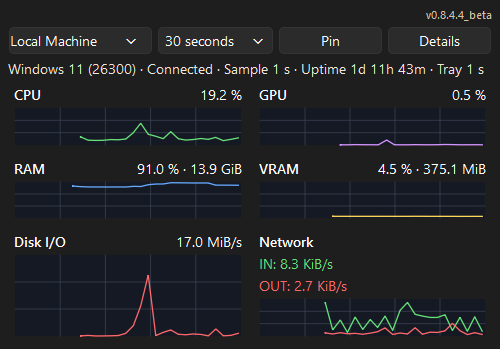
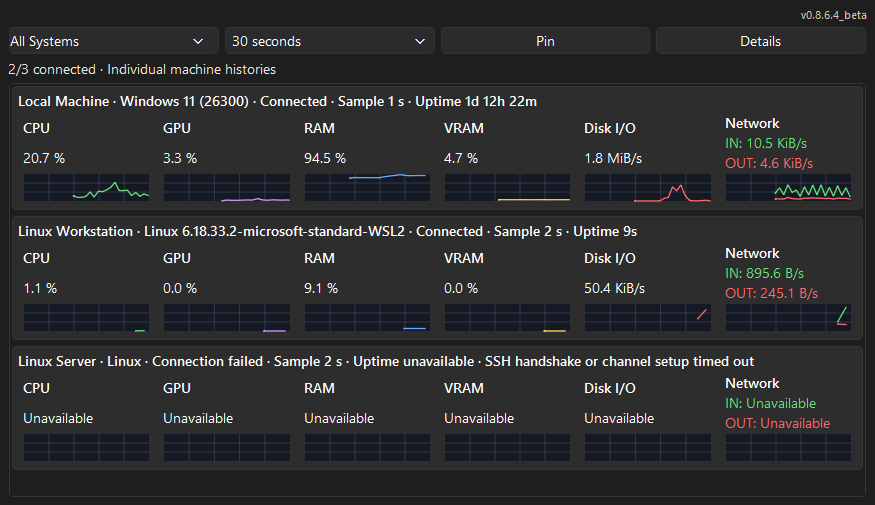
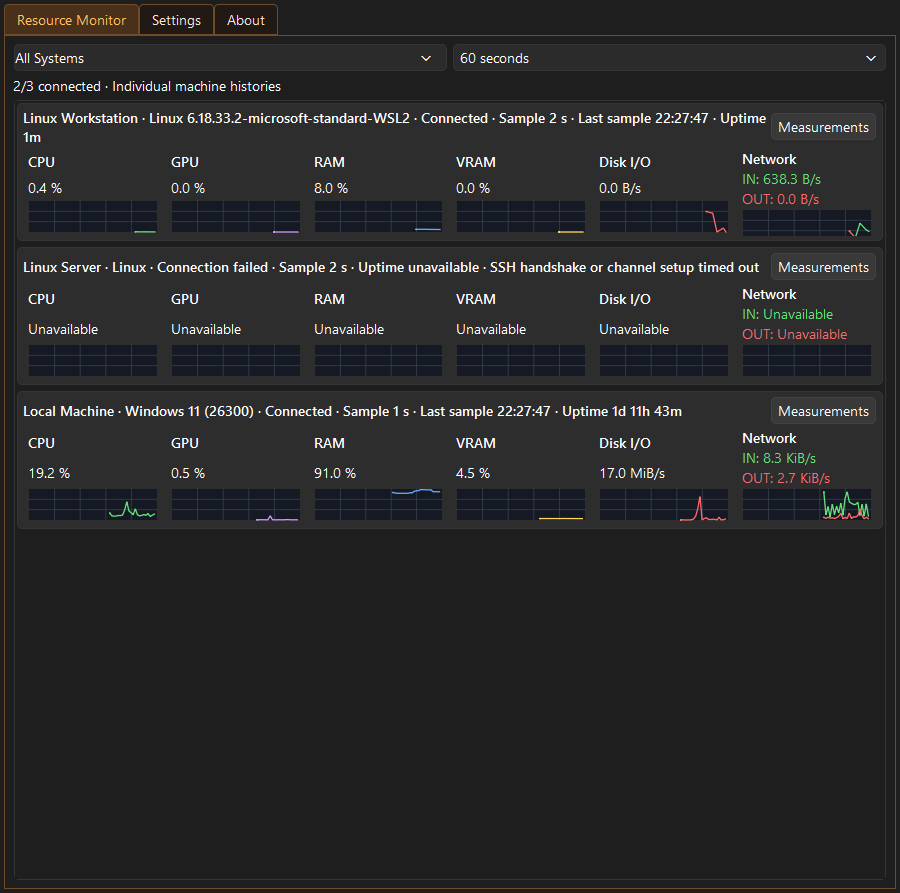
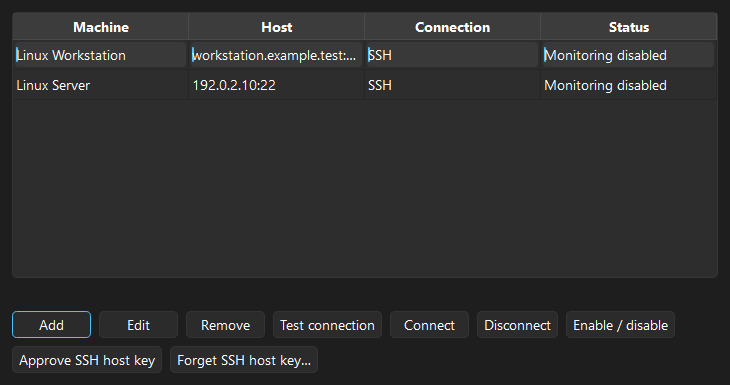
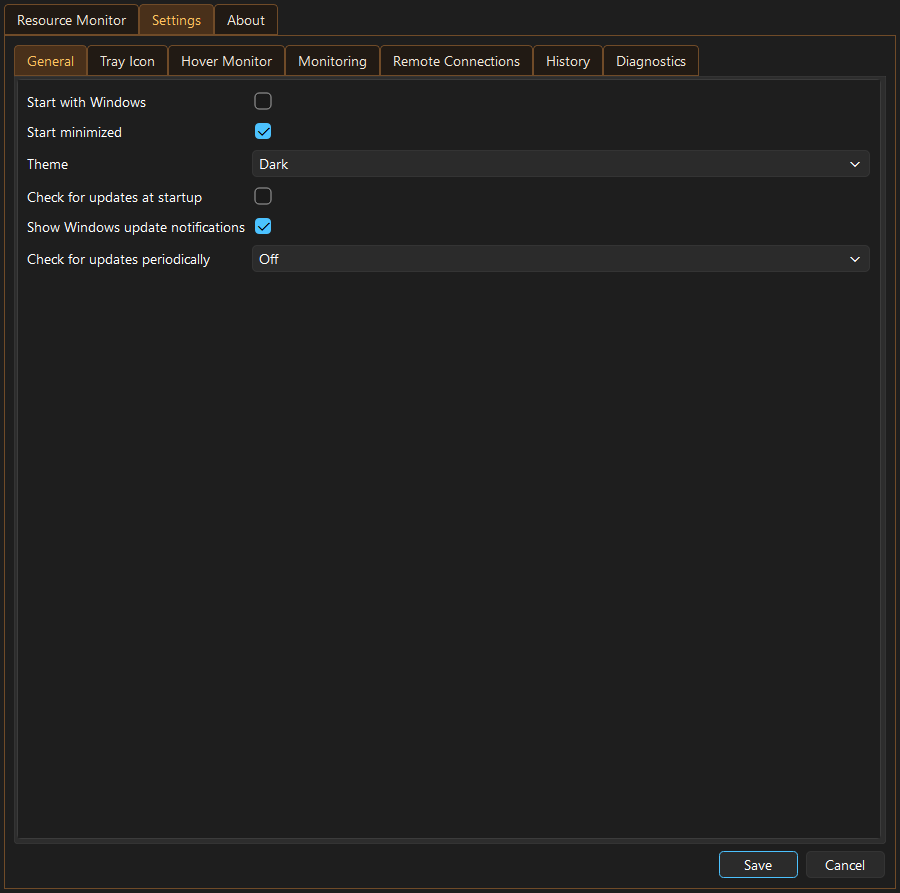
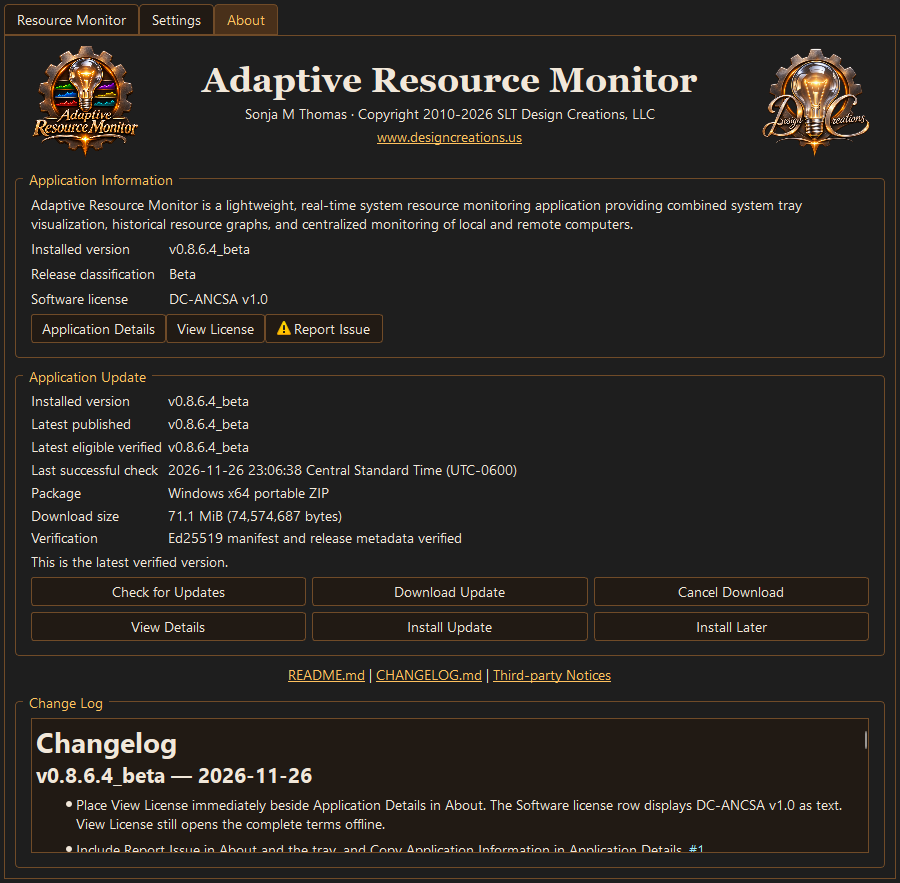
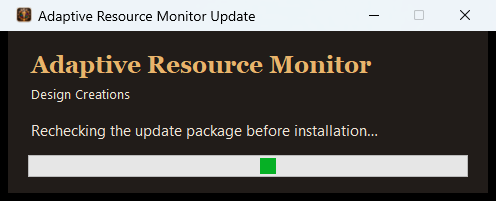
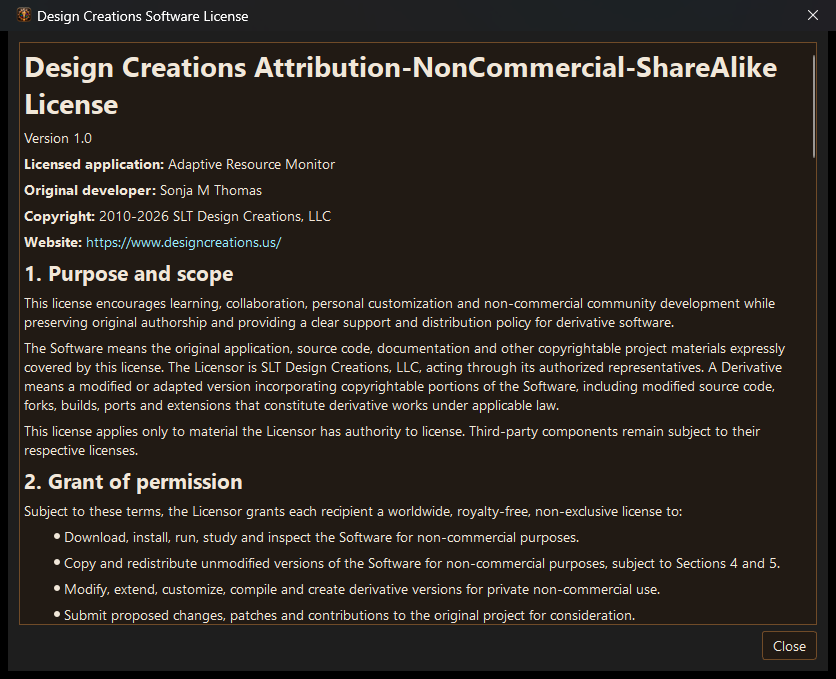
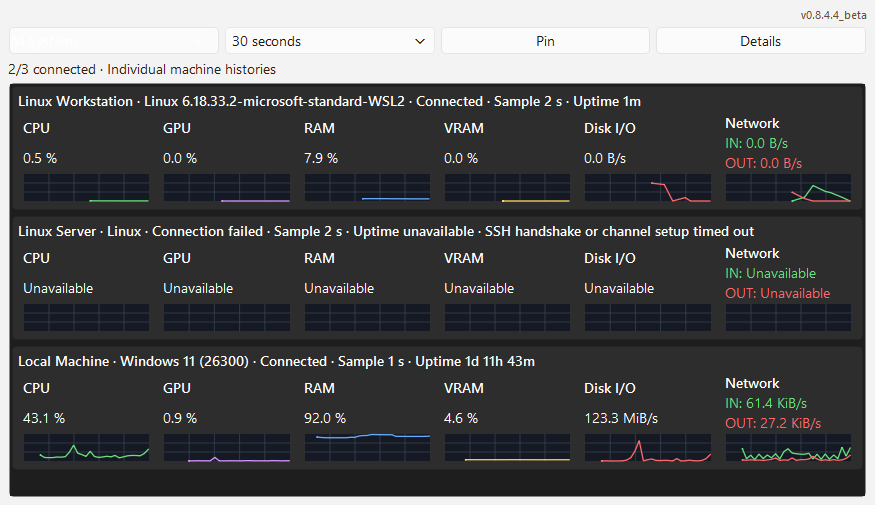
Overview
ARM keeps recent resource activity visible in the Windows notification area while it collects samples in the background. Hover for a compact view or open the expanded Resource Monitor to inspect longer histories and device measurements. Each machine has its own resource history, even when several are displayed together.
Features
- See real-time CPU usage, GPU activity, RAM, dedicated VRAM, storage I/O and network traffic. Network inbound and outbound use separate traces on a common scale for each machine.
- Choose a dynamic Overlay, Stacked or Composite tray graph, or the branded icon. The primary tray graph can represent one machine while the expanded and hover monitors show several.
- Monitor Windows locally and Linux remotely over SSH. Check or clear machines in the display, drag complete machine cards to reorder them, and keep both choices between sessions.
- See system uptime, optionally record history, and choose light or dark themes and custom graph colors.
- Check for verified ARM updates and report an issue from the application. The built-in issue action in this release opens the original project tracker. Use the GitHub issue link on this page for public reporting.
Quick Start
- Choose the Windows installer for a per-user installation or extract the complete portable ZIP to a writable folder. Review the license during setup.
- Start Adaptive Resource Monitor and find its graph in the Windows notification area. Check the hidden icons menu if needed.
- Hover over the icon to see readings. Choose Pin to keep the hover monitor visible or Details to open the expanded monitor.
- Open Settings to choose the tray machine, colors, sampling and history intervals, or display selection. Use Remote Targets to add a Linux host.
Remote monitoring
Add the host, SSH port, username, and authentication method in Remote Targets. Confirm the host key against a trusted fingerprint, test the connection, then enable the profile. A typical target needs a reachable SSH service, Bash, procfs and readable sysfs. The standard Linux provider reads resource counters and uptime through SSH using an ordinary account. It requires no ARM installation on the Linux host.
Connections keep collecting independently when their graphs are hidden. SSH key or password authentication is supported, with hardware-dependent GPU data where the driver exposes suitable counters.
System requirements
- Native Windows x64 desktop application. Windows 11 x64 build 26300 is the verified desktop configuration. The installer specifies Windows build 17763 or later.
- The Windows packages bundle their Python and Qt runtimes. Allow additional storage for extracting the portable archive, retaining optional history and staging updates.
- Allow access to the configured SSH port for Linux monitoring and HTTPS for release checks and downloads.
- GPU and VRAM findings depend on the GPU, driver and available counters. Windows can use WDDM counters and NVIDIA NVML. Linux can use readable DRM/sysfs counters or NVIDIA tools. ARM marks unavailable readings in the interface.
Application updates
In About, choose Check for Updates. ARM also offers optional startup and periodic checks. A verified update can be downloaded and held with Install Later. When you approve installation, ARM saves its state and exits automatically. The maintenance launcher verifies the selected package, installs it, and restarts the application. It can recover a failed update when the previous application files can be restored safely.
Ed25519 authenticates the release manifest. SHA-256 verifies the package bytes against that manifest. Windows Authenticode is a separate form of verification. The current ARM updater uses the signed Gitea release service. The downloads on this site point to the verified GitHub mirror.
Security and privacy
ARM checks SSH host keys and sends read-only sampling requests over the encrypted connection. Saved passwords and private-key passphrases use Windows Credential Manager. The workstation keeps machine profiles, trusted host keys, settings and any optional history locally.
Public release checks and downloads use HTTPS. Checksum files, the signed update manifest and the public verification key are available alongside the packages. Use sanitized diagnostics when filing an issue.
Development roadmap
- Planned desktop clients for Linux and macOS, plus a secure Windows and Windows Server monitoring agent.
- Planned Android companion and an optional monitoring gateway. The iOS and iPadOS companion depends on feasibility.
- Planned Raspberry Pi display and evaluation of compatible Arduino-class hardware.
- Planned server and service availability and uptime checks, and read-only operating system update availability notifications.
Software license and attribution
ARM is source-available under the Design Creations Attribution-NonCommercial-ShareAlike License v1.0. The license permits non-commercial use, study and private non-commercial modification. Unmodified versions may be shared non-commercially subject to attribution, license notices and corresponding source requirements. Commercial use and public distribution of derivatives require prior written permission. Authorized derivatives must comply with the license's applicable share-alike and source provisions.
Original application developed by Sonja M Thomas, SLT Design Creations, LLC. Copyright 2010-2026 SLT Design Creations, LLC. See the complete license for the governing terms.